
Features
Four ways to shape a form.
The vessel itself is the interface. Touch it and it responds like clay, and every shape stays watertight and ready to make.
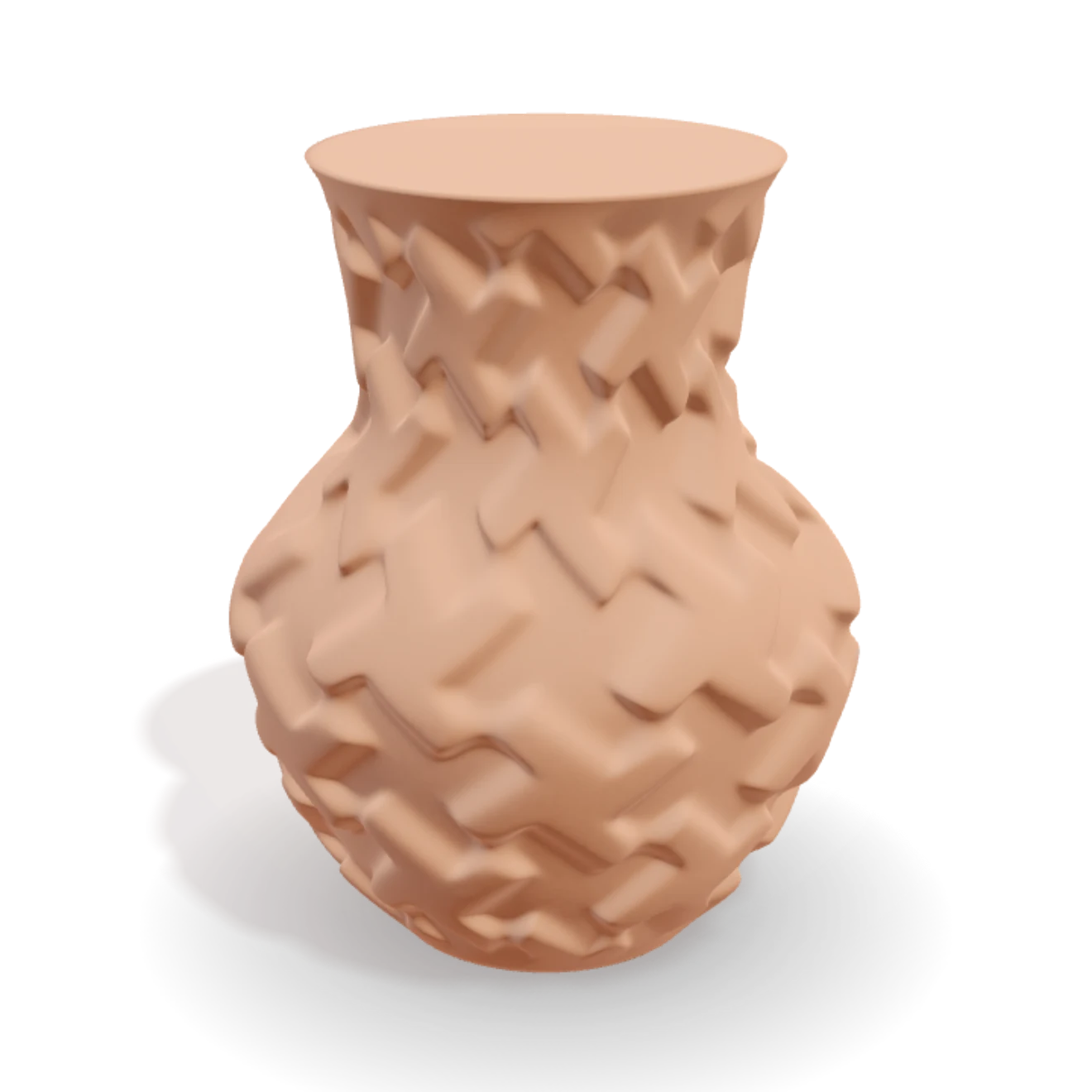
Throw & draw
Pull the wall on a virtual wheel, or draw the silhouette with control points: a sharp corner, a smooth turn, or a turn with no join you can feel.
Section & stack
Facet the section from triangle to circle, or stack different sections up the form with handles right on the vessel.
150+ patterns
Layer twists, flutes, ribs, scales and relief in a visual timeline. Order changes the result. Roll the die to explore.
Living glaze
Pour a glaze that flows, breaks and pools like the real thing, then fire it for the finished look.
Always watertight
Real fired-clay dimensions, and a piece that stays solid and sealed while you work. What you see on screen is exactly what you export.
Print-ready export
Export a clean STL, OBJ or GLB straight from the design, ready for your slicer.
Want the short version? The free vase generator page shows the whole run from blank wheel to printed pot.
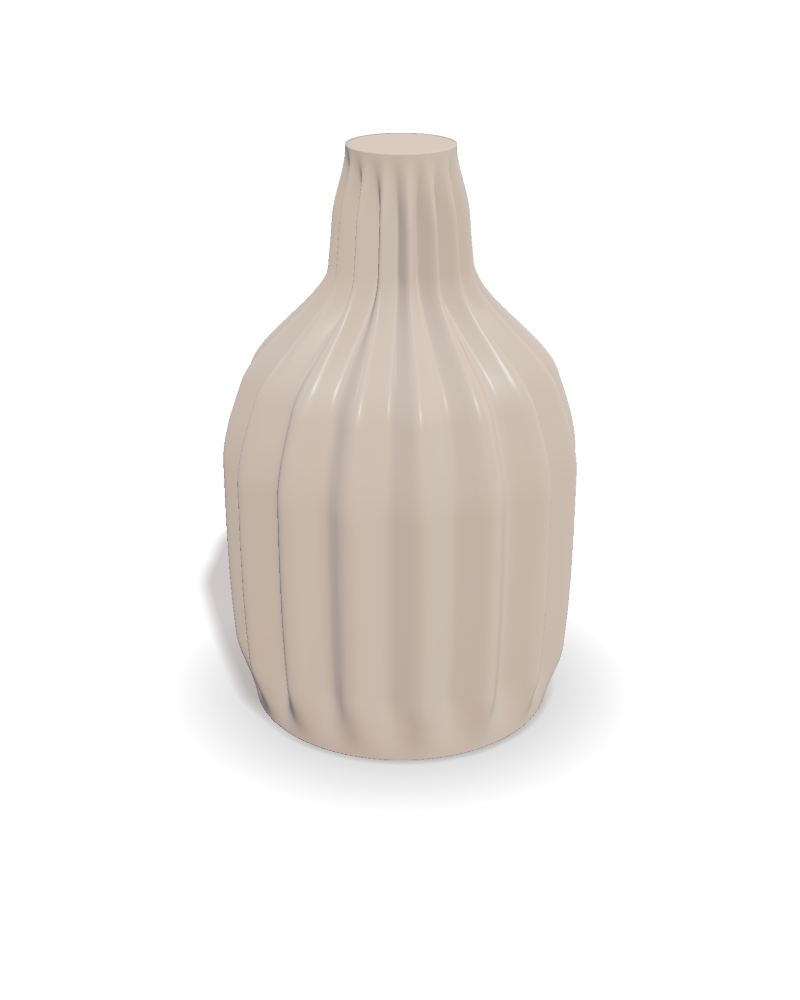
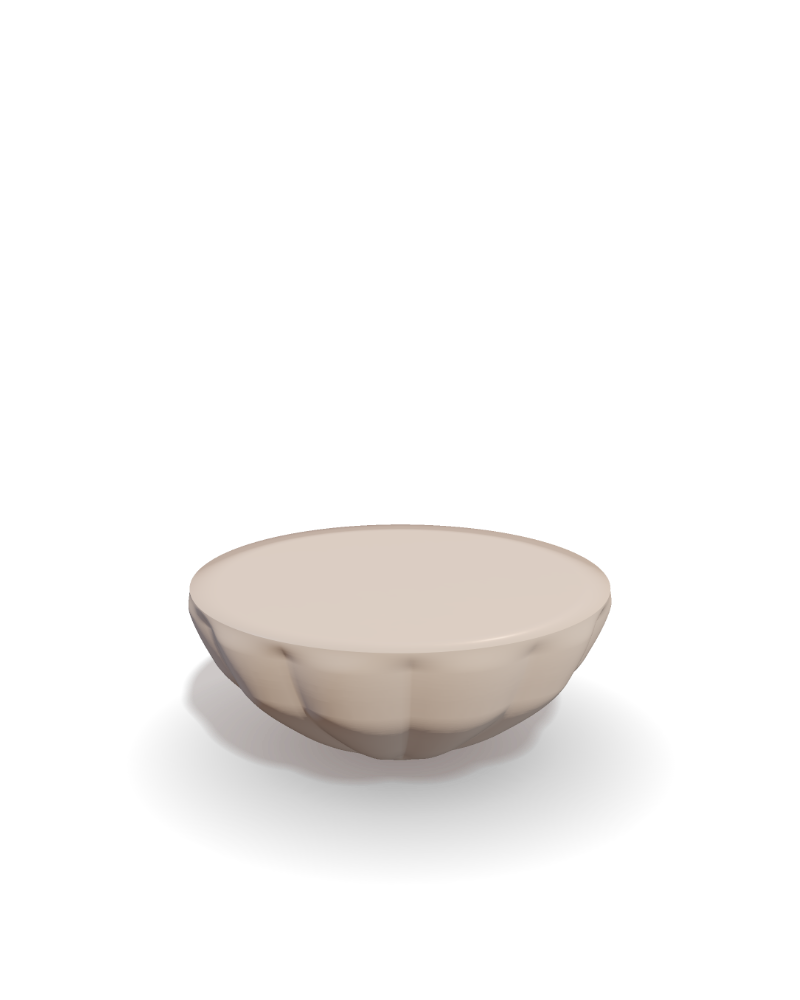
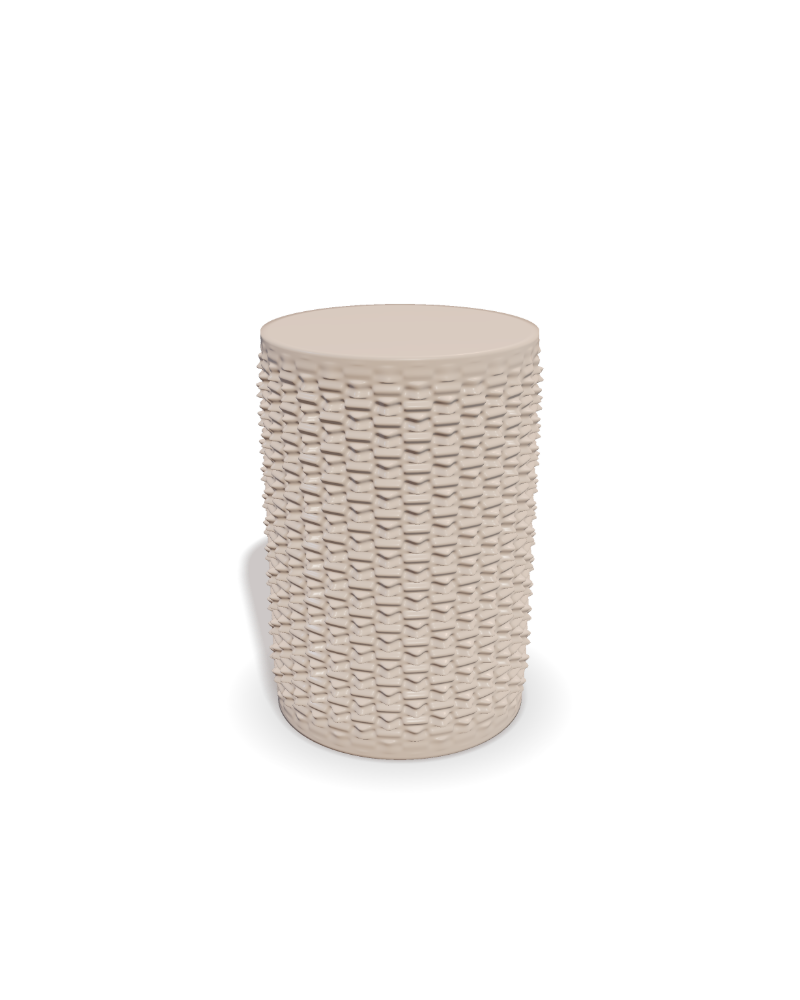
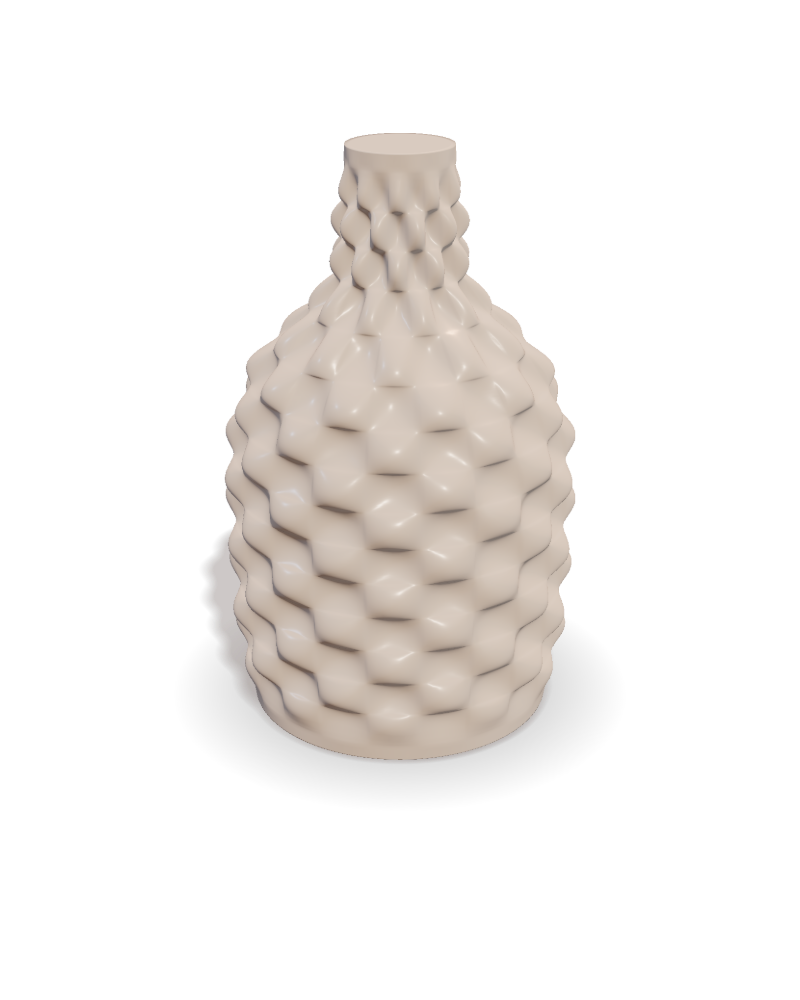
Four forms, one studio · rendered from the engine