
Help
From idea to printed pot.
Four short stretches take you from an empty wheel to a clean file on your printer. Work in the order below, or jump to the part you are on.
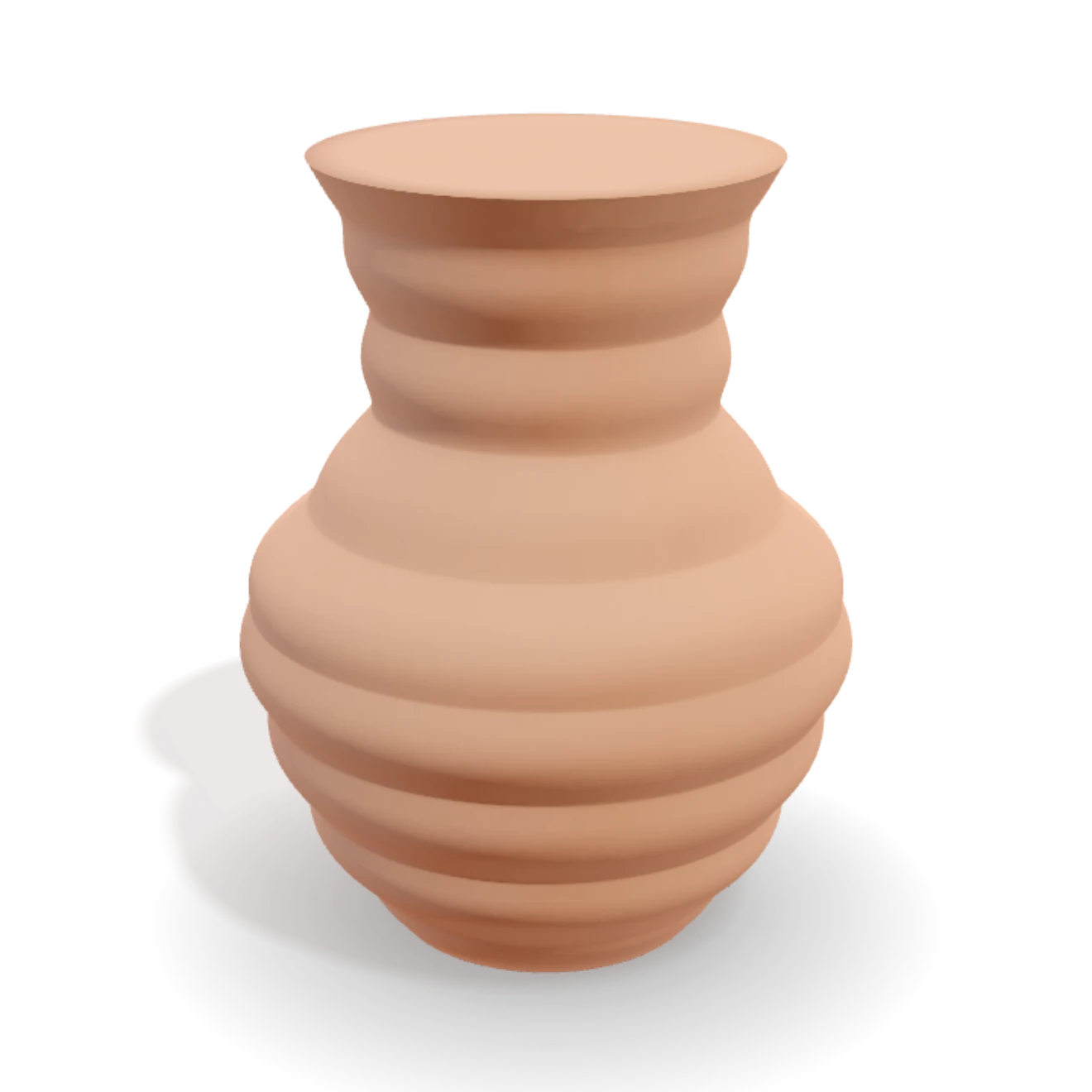
1Shape your first vessel
Everything starts with the form. You build it by feel, the way you would on a real wheel.
- Open the studio and start a new vessel.
- Pull or throw the wall to set the rough proportions, from the foot to the rim.
- Draw the silhouette with control points. Drag a point to push the profile in or out, and switch a point between sharp, soft, and flowing.
- Spin the form as you go so you can read it from every side.
The vessel stays watertight while you sculpt, so there is nothing to fix later.
2Pattern it
Surface comes next. Patterns stack on the form in a timeline you can read top to bottom.
- Open the pattern timeline and add a pattern to it.
- Browse the library of patterns, from twists and flutes to ribs, scales and relief.
- Dial the controls for each one to set depth, scale and rhythm.
- Reorder the timeline to change how the patterns combine. The order is part of the look.
Stuck for a direction? Roll the die to shuffle a fresh combination and start from there.
3Glaze it
Now finish the surface. The glaze behaves like real glass on clay, so you can judge it before you commit.
- Pick a glaze from the shelf, or mix your own colour and finish.
- Pour it onto the form and set how thick it sits.
- Fire it, then watch the glaze flow, break over edges, and pool in the low spots.
- Adjust and fire again until the finish reads the way you want.
4Export and print
When the form is right, take the file. It comes out clean and ready to slice.
- Export the design as STL, OBJ or GLB.
- Open the file in your slicer. There is no mesh to repair, because every shape is watertight by construction.
- Print it in vase-mode for a single continuous wall, or as a solid for a heavier piece.
VASE 3D hands you the master vessel and a small sidecar file. It does not make molds. That step is handled later by Moldy, a separate engine.
Control guide
Ask where you are.
In the studio, hover a compact control for one useful sentence. Press ? while a control has focus for the fuller answer. On touch, open Help and choose Ask about a control, then tap the thing you want explained.
Form, size and opening
Form controls use millimetres because they describe the real solid master. Width changes the broadest part of the body. Opening changes the mouth. Roundness softens a shoulder or corner without turning the vessel into a shell.
A narrow opening can change hand and tool access later. The studio keeps the master watertight; the downstream making method still deserves its own check.
The making sequence
Each row is one contribution to the piece. Select a row to adjust it. Move its grip to change when it acts. Add inserts a new step at that point, while Another repeats the selected kind with independent settings.
Order matters whenever a later shaping or surface step receives the result of an earlier one.
Undo, redo and safe exploration
Undo steps backward through committed making changes. Redo brings one back until a different edit creates a new branch. On desktop use Ctrl or Command + Z; add Shift to redo.
Save and export
Save keeps the editable recipe in your gallery. Export makes a deliverable from it: a watertight STL or OBJ master, a GLB scene, an image, a video, or a room preview. Your slicer or later making process decides how the solid master is produced.
Trouble?
Something not behaving, or a file that will not load? Tell me what happened and I will look into it.
Report a problem to afekhershko@vase3d.io, or use the contact page. A short note about your browser and what you were doing helps a lot.
Missing something you wish the studio had? Put it on the feature request board instead. Other makers can vote on it there, and the requests with the most votes are the ones built next.