
Vase generator
A free vase generator with a potter's feel.
Shape a vase in your browser and print it today. You pull the profile the way you would pull a wall on the wheel, stack patterns on it, pour a glaze that moves like the real thing, then download a watertight STL your slicer takes on the first try.
It runs on an ordinary laptop, with nothing to install. The free plan includes the full studio and watertight export, signed on the base with a small maker's mark.
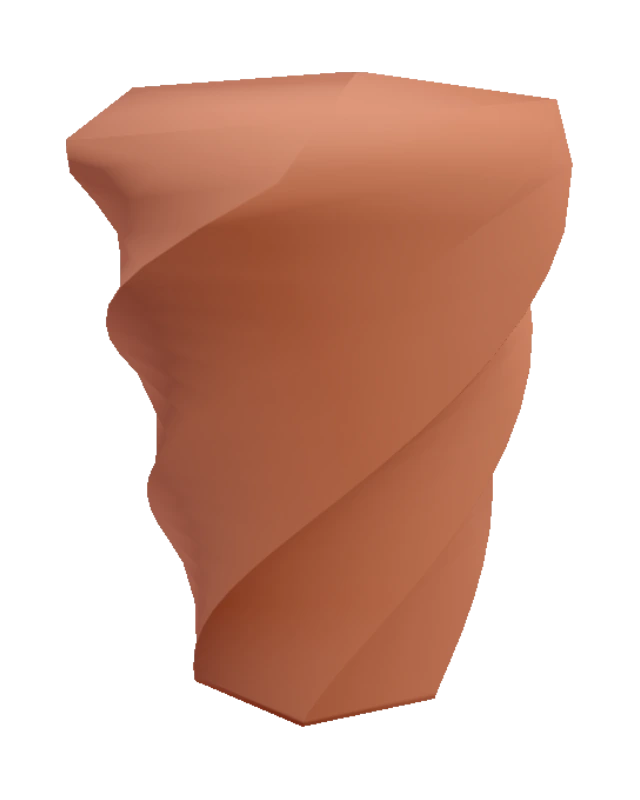
From blank wheel to printed pot
- Throw the form. Start from a preset or a blank wheel and drag the silhouette until the foot, belly and rim sit right. The form spins under your hands while you work.
- Pattern it. Stack twists, flutes, ribs, scales and relief from a library of 150+ patterns. The stacking order changes the look, and a roll of the die deals you a fresh combination when you want a surprise.
- Glaze it. Pour a glaze, fire it, and watch it break over the edges and pool in the lows before you commit to a colour.
- Take the file. Export STL, OBJ or GLB and slice it. Vase mode gives you a single spiralled wall; solid gives you a heavier piece.
The help page walks through each stretch in detail, and the full walkthrough adds the working tips.
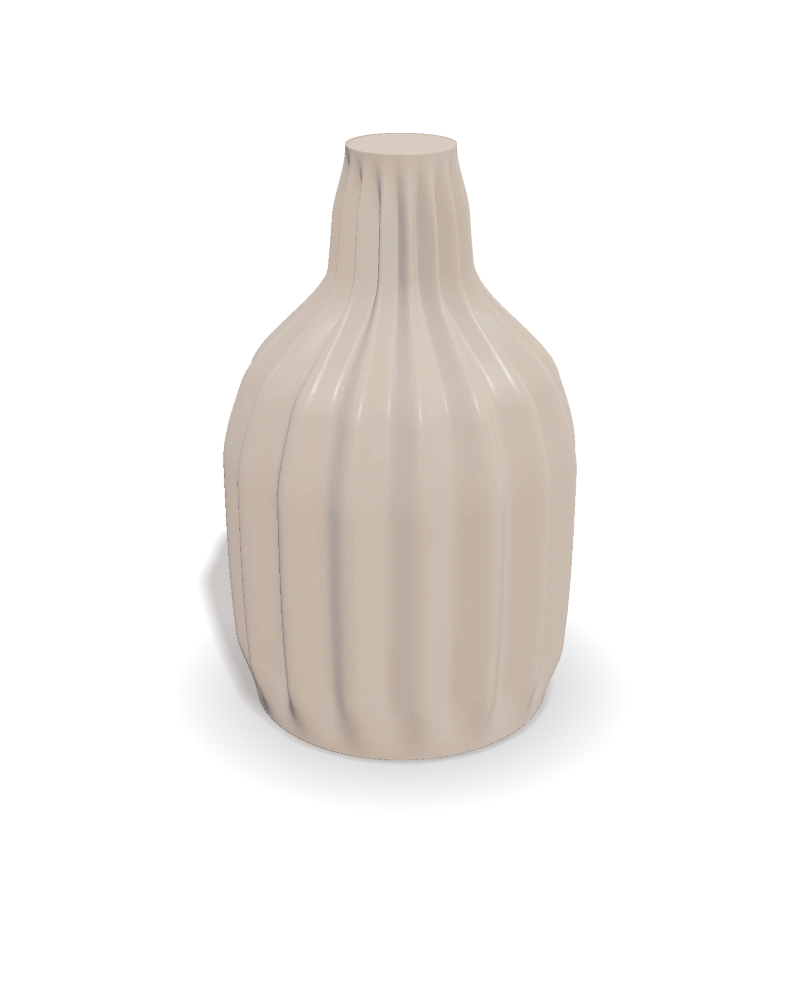
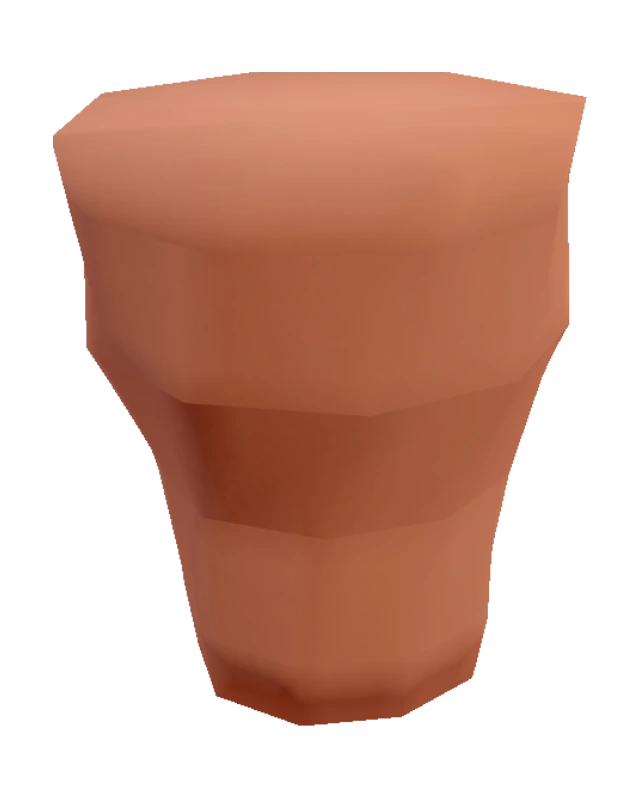
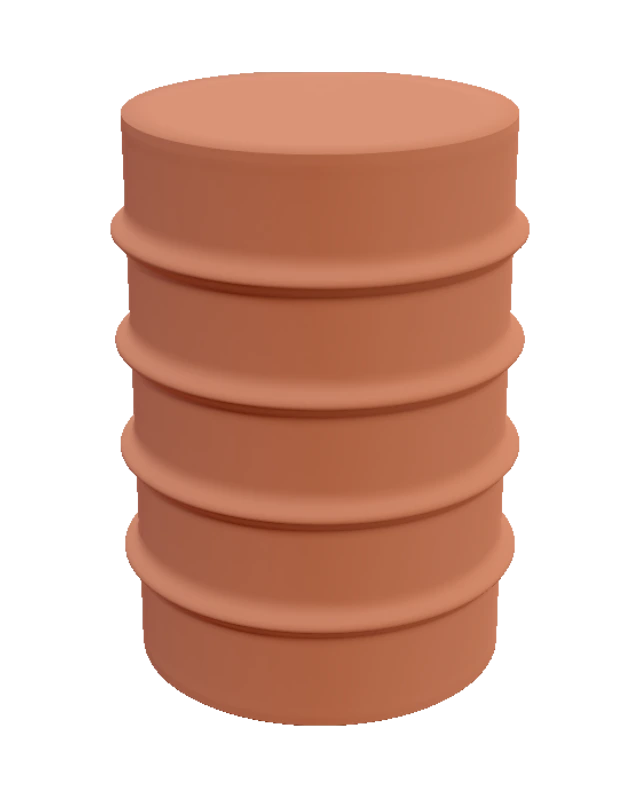
Made in the studio · every one exports watertight
Where it goes further
The web has plenty of free vase generators, and most share one recipe: a profile, a twist and a row of ribs. That recipe is a fine afternoon. VASE 3D is built for the maker who comes back tomorrow.
150+ patterns that stack
Twists, flutes, ribs, facets, scales and carved relief sit in a timeline you can reorder. A flute under a scale reads differently than a scale under a flute, and both are yours.
A glaze you can fire
The glaze behaves like glass on clay. It flows, breaks over hard edges and pools in the lows, so you judge the finish on the form before you print a single layer.
Watertight, always
The geometry closes cleanly from foot to rim by construction, and a readout stays on while you work. No holes, no flipped faces, no evening lost to mesh repair.
A family from one form
Change one handle and you have the next size. Spin a set of cups, a bottle and a bowl that share a foot and a profile, instead of starting each one over from a blank wheel. That is parametric pottery at work.
Three clean formats
STL for the slicer, OBJ for other tools, GLB for the web. You set the export detail with one dial, from a light file to a ceiling-quality mesh.
A potter's vocabulary
Foot, belly, neck, rim, opening, twist. No sketch planes, no boolean trees, no CAD course between you and the pot in your head.
Vase mode, called spiralize in some slicers, prints the outer wall as one continuous ribbon. Every VASE 3D export is a clean solid master, so the same file prints as a single-wall vase or as a solid piece with infill. Pick per print, in the slicer, without touching the design.
Common questions
Is the vase generator free?
Yes. The free plan includes the full studio and watertight STL, OBJ and GLB export. Every free piece is signed on the base with a small VASE 3D maker's mark. The Maker plan gives you a clean base with no forced mark.
Do I need CAD experience?
No. You shape the vessel by dragging its silhouette, and the controls speak a potter's language: foot, belly, rim, opening, twist. If you have ever thrown a pot, or only ever wanted to, you already know the moves. Coming from Blender or Fusion? See how the two roads compare.
Will the file print in vase mode?
Yes. Every export is watertight by construction, so slicers accept it without mesh repair. Run it in vase mode for a single continuous wall, or print it solid for a heavier piece.